What we build, and how we build it.
Everything a Select site can do, then the four stages that get it built. Scroll straight through, or jump to either half.
From a pile of features to one site.
Most sites bolt features on one at a time. A Select build plans all eight together, so they share one design system, one content system, and one speed budget.
Designed for phones first.
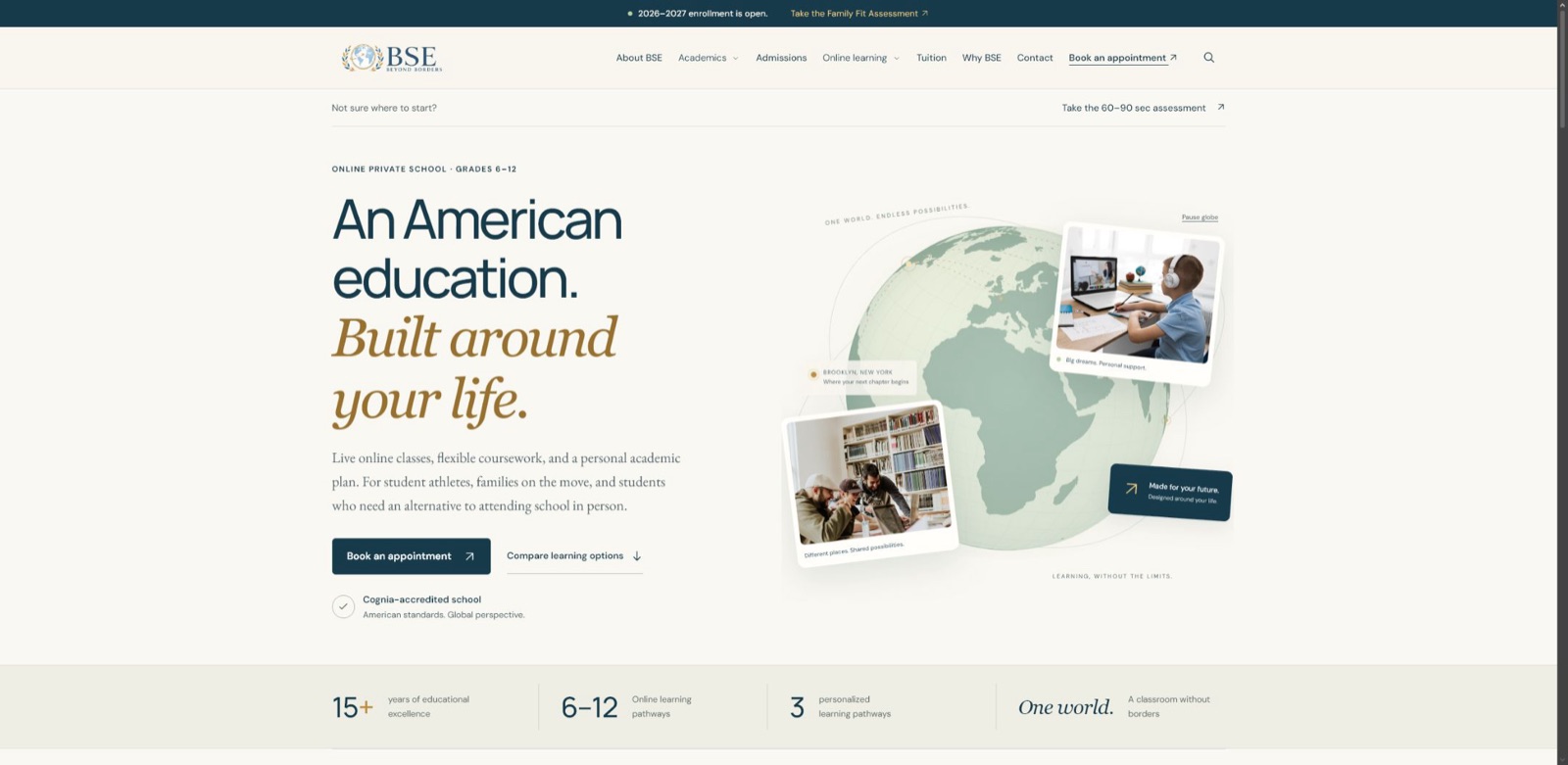
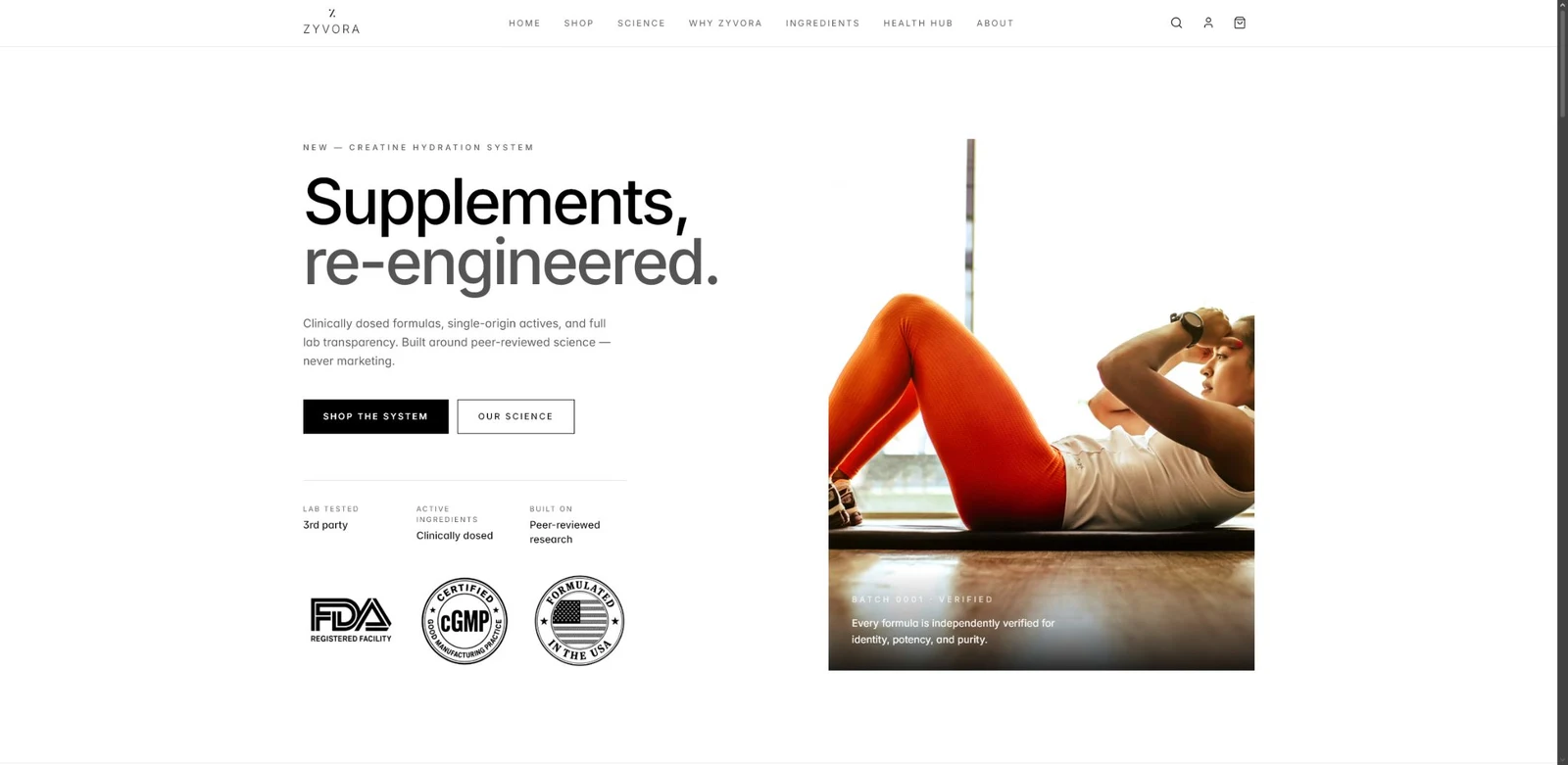
Most visitors arrive on a phone. Every capability below is designed and tested at phone size before desktop. Shown: Maccabi USA Soccer, Lions Fight Brooklyn, and ZYVORA.



01 / 08 · Content system
A content system your team can run.
Your team updates pages, news, job listings, and team bios without a developer. Changes stay as drafts until someone publishes them.
- Editable pages and collections, set up around your content
- Drafts, previews, and scheduled publishing
- Roles, so editors can’t change what they shouldn’t
- A short recorded guide for new editors
How it works
- 01
Built around your content
Before any page is designed, we list what your team actually publishes: news, jobs, locations, case studies, events. Each becomes a collection with its own fields, so entries stay consistent.
- 02
Safe to edit
Editors change words and images, not layouts. The design system keeps every page on brand, however many people are publishing.
- 03
Drafts and approvals
Changes are saved as drafts and previewed on the real page. On Growth and Enterprise builds, roles control who can publish.
- 04
Handover that sticks
You get a recorded walkthrough and a short written guide, so a new hire can publish on their first day.
Used on

Questions
Which content system do you use?
It depends on what your team needs and what you already use. The choice is made in Discover and written into your scope.
Can we move our existing posts over?
Yes. Moving existing content is part of the migration add-on, together with redirects for every old address.
02 / 08 · Integrations
The tools you already use, connected.
Forms and sign-ups go straight to the places your team already works, so nothing gets typed in twice.
- CRM and marketing platforms
- Newsletter and email lists
- Booking and scheduling
- Team chat alerts for new leads
How it works
- 01
One form, several destinations
A single quote request can create a CRM contact, add someone to a newsletter with their consent, and alert your sales channel at the same time.
- 02
Data that arrives clean
Fields are validated on the site, so your CRM receives proper names, emails, and phone numbers instead of junk.
- 03
No fragile copy-paste
Connections use each tool’s supported methods. When a tool changes, there is one place to update.
- 04
Tested before launch
Every integration is tested end to end on the preview site, with test entries you can see in your own tools.
Used on

Questions
Which tools can you connect?
Most common CRMs, email platforms, booking tools, and team chat apps. If a tool has a supported way to receive data, it can usually be connected.
Who owns the accounts?
You do. Integrations connect to accounts in your company’s name.
03 / 08 · Accessibility
Accessible to everyone who visits.
Select sites are built to WCAG 2.2 AA. That means readable contrast, full keyboard support, and pages that make sense to screen readers.
- Color pairs checked against AA contrast
- Every control reachable and visible by keyboard
- Screen-reader checks on key pages
- Reduced-motion support for animation
How it works
- 01
Designed in, not patched on
Contrast, type sizes, and focus states are part of the design system from the first day, so accessibility doesn’t fight the design later.
- 02
Tested by hand
Automated checkers catch some issues. Key pages are also checked with a keyboard and a screen reader.
- 03
Motion with an off switch
Scroll animation respects the reduced-motion setting on every device.
- 04
Documented
Your launch report lists what was checked, so you can answer accessibility questions from customers and procurement teams.
Used on
Questions
Does this make the site look plain?
No. Good contrast and clear focus states are part of a premium look. This site is built to the same standard.
Can you audit our current site?
An audit can be part of Discover when you’re replacing a site.
04 / 08 · Speed budget
Fast on real phones.
Each page gets a weight budget before it’s built, then it’s tested on mid-range phones over mobile data, not just a fast laptop.
- Budgets for images, fonts, and scripts
- Modern image formats, sized per screen
- No heavy page-builder code
- Speed results in your launch report
How it works
- 01
A number, agreed up front
Every page type gets a weight budget. If a new feature would break it, we talk about the trade-off before it’s built.
- 02
Images done properly
Images are compressed, served in modern formats, and sized for each screen, so phones don’t download desktop files.
- 03
Hand-built pages
Pages are built from a lean component library instead of a page builder, so there’s no unused code to download.
- 04
Measured, not promised
Speed is measured on key pages before launch and the results go in your report.
Used on
Questions
Will animation slow the site down?
Animation is part of the budget. It’s written to run smoothly and pauses when it’s off screen.
What about third-party scripts?
Chat widgets and trackers count against the budget. We agree which ones are worth it.
05 / 08 · Search migration
Keep the rankings you earned.
When an old site is replaced, links break and search traffic drops. Every old URL is mapped to its new home and redirected on launch day.
- A full inventory of your current URLs
- One-to-one redirects, not a blanket home-page redirect
- Titles, descriptions, and sitemaps carried over
- Search Console checked after launch
/about-us.html/company//blog/2021/04/new-hub/insights/new-hub//Pricing_2024.pdf/pricing//jobs?id=17/careers/dispatcher//contact-form-new/contact/How it works
- 01
Inventory first
Every address on your current site is collected from its sitemap, search data, and a crawl, including old PDFs and campaign pages.
- 02
One-to-one redirects
Each old URL points to the most relevant new page. Sending everything to the home page throws away rankings.
- 03
Nothing quietly lost
Titles, descriptions, and headings that already rank well are carried over or improved, not reset.
- 04
Watched after launch
Search Console is checked after launch for errors, and anything missed is fixed in the fixes window.
Used on

Questions
Will we lose traffic when we launch?
Some movement is normal for a few weeks. A careful redirect map is the best way to keep it small.
Is this included?
Basic redirects are included in Core. Full migration is included in Growth and Enterprise, and is an add-on for Core.
06 / 08 · Analytics
Know what the site is doing for you.
Analytics are set up around the actions that matter to your business, like quote requests and applications, not just page views.
- Privacy-aware analytics, no ad trackers by default
- Goals for forms, calls, and bookings
- A simple monthly view your team can read
- Search performance connected
How it works
- 01
Goals, not vanity numbers
We agree which actions count as success, then set them up as goals: quote requests, bookings, applications, calls.
- 02
Respectful by default
The default setup avoids advertising trackers. If you need ad tracking, it’s added with proper consent.
- 03
Readable
Your team gets a simple view of the numbers that matter, not a dashboard nobody opens.
- 04
Search connected
Search Console is connected so you can see which searches bring people to the site.
Used on
Questions
Which analytics tool do you use?
It depends on your needs and existing accounts. The choice is part of your scope.
Do we need a cookie banner?
That depends on the tools you use and where your visitors are. It’s reviewed during Discover.
07 / 08 · Languages
One site, several languages.
For companies that serve more than one market, each language gets its own pages and addresses, and visitors can switch at any point.
- Translated pages managed in the same content system
- Language-specific addresses search engines understand
- A clear language switcher
- You supply or approve the translations
Request a quote in two minutes.
How it works
- 01
Real pages per language
Each language has its own pages and addresses, so search engines can show the right version to the right people.
- 02
One place to manage
Translations live in the same content system, next to the original, so nothing drifts out of date unnoticed.
- 03
A switcher people find
The language switcher is visible on every page and remembers the visitor’s choice.
- 04
Your words, approved
You supply translations or approve them. Machine translation is never published without a review.
Used on
Questions
Can AI translate the site?
AI can draft translations quickly, but a fluent person should review them before they go live.
Which tier includes languages?
Enterprise includes more than one language. It’s an add-on for smaller tiers.
08 / 08 · Commerce
Sell when you need to.
If the site needs to take payments for products, deposits, or registrations, checkout is built in with a payment provider you control.
- Products or registrations in the content system
- Secure checkout through your payment provider
- Order and receipt emails
- Payments go to your account, not ours
Field lantern
$48.00
How it works
- 01
Your payment account
Payments go straight to your own payment provider account. Card details never touch your site.
- 02
Built for your model
Products, registrations, deposits, and bookings all work differently. Checkout is shaped around how you sell.
- 03
Emails people trust
Order confirmations and receipts are clear and on brand.
- 04
Tested with real flows
Every purchase path is tested in the provider’s test mode before launch.
Used on
Questions
Do you build full online stores?
Smaller catalogs and registrations, yes. Very large stores are better served by a dedicated commerce platform, which can be connected.
Which payment providers?
Commonly Stripe. Others are possible if your business already uses them.
Part two · Process
That’s what your site can do. Here’s how it gets built.
The four stages
- 1
Discover
Usually week 1We start with your leadership: who the site serves, what it has to do, and what already exists.
Ben runs a kickoff call with the people who will approve the site. We talk about your audiences, the actions the site must drive, and what’s not working today.
Mason then reviews your current site, content, tools, and logins, so the scope covers what really needs to move.
What you get
- Kickoff call with decision-makers
- Audit of current pages, tools, and logins
- Written scope and fixed price
What we need from you
- Who approves the site
- Access to your current site and analytics
- Your goals, in plain words
Sign-offYou approve the written scope before any design starts. - 2
Architect
Usually weeks 2 to 3Every page is mapped into a sitemap, the content model is planned, and the design system is set.
The sitemap shows every page and how they connect. The content model defines what your team will edit: collections, fields, and who can publish.
The design system sets color, type, spacing, and components, then key pages are designed with it so you can see the direction on real content.
What you get
- Sitemap and content model
- Design system
- Key page designs on your content
What we need from you
- Feedback in collected rounds
- Brand assets and logos
- A decision on any open questions
Sign-offYou approve the structure and design direction before building starts. - 3
Build
Usually weeks 3 to 7Pages are built from a shared component library and connected to the content system and your tools.
Building happens on a private preview link you can open on your own devices. Weekly written updates say what’s done, what’s next, and what’s needed from you.
Integrations are connected and tested with test entries you can see in your own tools.
What you get
- Private preview link, updated as the site is built
- Content system and integrations set up
- Revision rounds included in your tier
What we need from you
- Final copy and images
- Review of each preview round
- Test access to connected tools
Sign-offYou approve the finished site on the preview link before launch. - 4
Launch and measure
Usually week 8Redirects, analytics, and search setup go live with the site, and the results are measured.
Launch is scheduled for a quiet time. Redirects go live with the new site, and key pages are checked right after.
You get a launch report with speed and accessibility results, plus a recorded handover for the people who will run the site.
What you get
- Launch-day redirects and checks
- Launch report with measured results
- Recorded handover for your team
What we need from you
- Domain and hosting access
- Who will run the site after launch
Sign-offYour fixes window starts on launch day.
A typical timeline.
This is how eight weeks usually break down for a Growth build. Core builds often take three to five weeks. The biggest factor is how quickly content and approvals come back.
An example, not a promise. Your schedule is agreed in writing at the end of Discover.
Track it all in your client portal.
Every Select client gets a private portal: the current stage, the timeline, weekly updates, files, what we need from you next, your scope and revision rounds left, and any extra quotes for you to approve.
Working together.
Clear on both sides from day one.
What you can expect from us
- A weekly written updateWhat got done, what’s next, and anything we need from you.
- Four people, clear rolesBen runs your project and schedule. Mason designs and builds the site. Rose handles billing. Elan tests it before launch.
- A private preview linkSee the site as it’s built, on your own devices.
- Your accounts, your codeDomain, hosting, and tools stay in your company’s name.
What we’ll need from you
- A decision-makerSomeone who can approve scope and designs on time.
- Your contentCopy, images, and logos, or a plan for who writes them.
- Access to current toolsLogins for your old site, CRM, and analytics where needed.
- Feedback in roundsCollected comments per round keep the schedule on track.
Revisions and changes.
Before design starts, your written scope lists the pages and features we’ll build, the price, the timeline, and how many revision rounds are included: three for Core, four for Growth, five for Enterprise. One revision round is one batch of feedback on the work in your scope.
Included, no extra cost
- Our mistakesIf we introduce a typo or an error, we correct it.
- Work that doesn’t match the scopeAnything we built that doesn’t work as agreed.
- Your included roundsFeedback on the work in your scope, up to your tier’s revision rounds.
- Bugs after launchFixed during your fixes window: 30 days, or 60 for Enterprise.
Quoted separately
- New featuresAdding something like a booking system or online payments.
- New pagesPages beyond the ones in your scope.
- Redesigning approved workChanging a page you’ve already approved beyond the agreed scope.
- Extra revision roundsMore rounds than your tier includes.
How a change works
- 01You askTell Ben what you’d like to add or change.
- 02We quote itA separate quote with the cost and any effect on your timeline.
- 03You approve in writingExtra work starts only after your written approval.

Seen enough? Let’s scope your site.
Book a free 20-minute call with Mason, or price your site and start right away.